
 Contact





At Shopify, social network icons come set up by default according to the active theme of the store. These icons can usually be found in the store footer (bottom of the page) or a product file. Depending on the theme, certain social network icons can be activated/deactivated.
By default, the links to the social networks…

Tommaso Spagnoli

IMPORTANTBefore starting to configure your Rakuten account, you should know that the So Collissimo, Chronopost and Mondial Relay payment methods are not suitable to be used through the Multi-channel Integration Platform. In order to avoid issues, please do not activate them.
To synchronise a Rakuten account with the Multi-channel Integration Platform, you should follow the steps…
To synchronise your eBay account with the Multi-Channel Integration Platform, the first step is to create a professional account on eBay. If you already have, or had, an eBay account, don’t create a new one. Try to recover it if it hasn’t been shut down. Duplicate accounts is one of the most common reasons that…
The shipping costs of an AliExpress store need to be configured from the control panel. To do so, go to the “Products” section on the control panel and click on the “Products > Shipping templates” tab from the top menu:
Ready to add products to your sales channel?
To start synchronizing products, you need to go to the Catalogue Management section:
Below, we'll explain how you can add and exclude products from your synchronization, as well as the information you should consider before publishing them.
1. Add products 1.1 Add products by categories 1.2…
In this post we explain how you can obtain access data to the BigBuy API and how to obtain access to the FTP.
To connect a PrestaShop store to our Multi-channel Integration Platform, you will need to carry out a series of requirements in both the server and in the PrestaShop configuration.
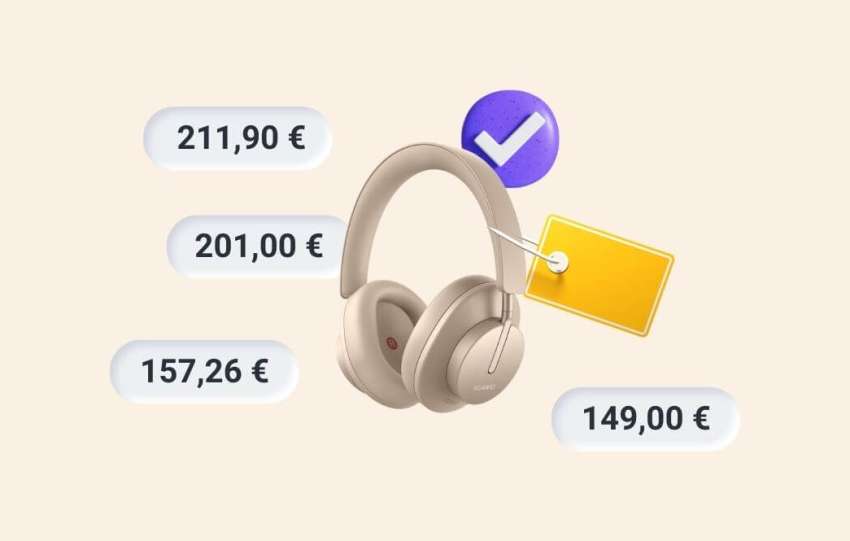
In this article, we explain how to view the final prices of your products on your sales channel, as well as understand how these are calculated according to the pricing rules applied and taxes, among other factors.
Note: The taxes applied to the product are calculated according to the seller’s tax information and the country.…
When installing a new payment method in your Prestashop store, you should carry out a series of checks and adjustments to the payment preferences to ensure that the new payment method works correctly and that your orders are synchronised in the right manner.
Orders are created automatically on BigBuy if you have the E-commerce pack or a superior one, and you are working with the Multi-channel Integration Platform (MIP). After shipping, the status will be updated on your sales channel and the MIP. When the tracking information becomes available, this will be added to the order.
It…