
 Contact





All you need to know about CDON: registration process, platform management and synchronisation through the Multi-Channel Integration Platform
In this article, we show you how the platform works and we explain how to work with CDON, a very popular Nordic marketplace which sells in Sweden, Norway Denmark and Finland.
In this article, you can find everything you need to know about integrating products, as well API connections, managing information and orders, among other things.
– You do not need to enable the conversion factor feature in Multi-Channel Integration Platform. Prices are sent directly in the currency of the country you have configured.
– CDON makes payments to sellers on the 10th and 15th of each month.
- Validation of the account and registration
Before you begin the integration on CDON, you need to become a CDON seller. To do this, visit the CDON marketplace website and register yourself there. Once you have created a customer account, log in and, on the menu, click on Sales account. Enter your details and those of your company, and accept the conditions.
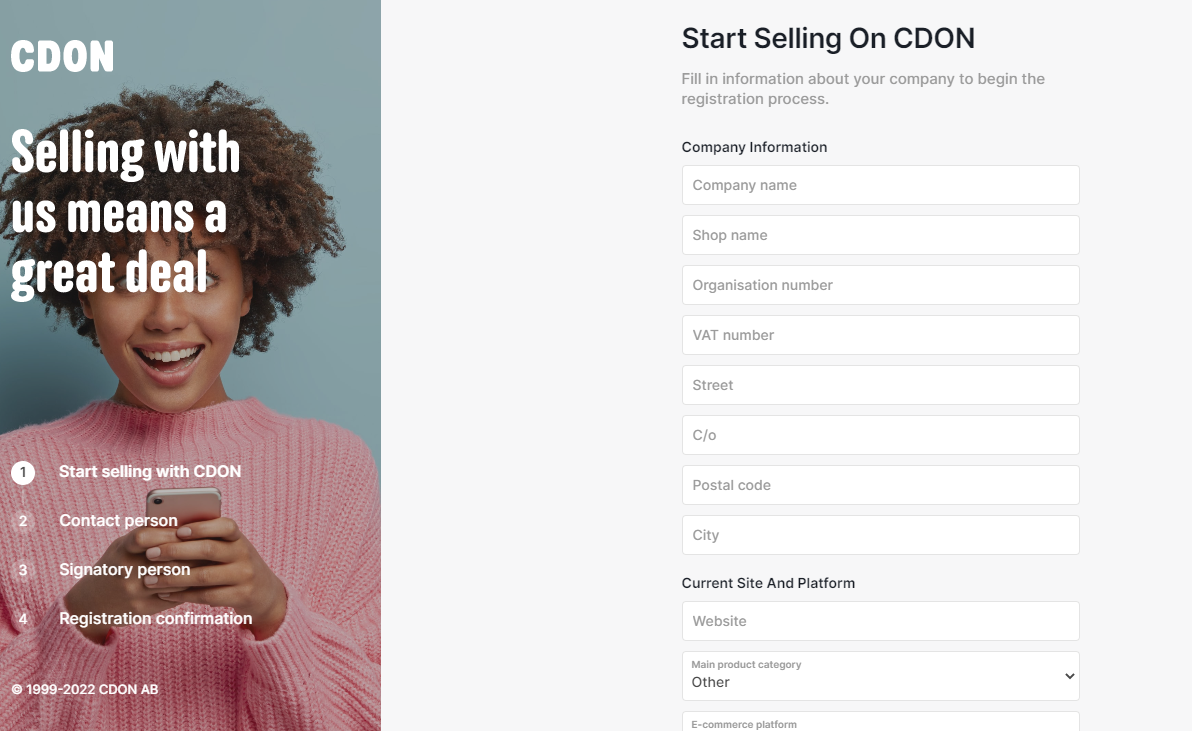
- Access to the CDON seller
This marketplace is managed from the seller portal or Back Office of the CDON marketplace. Once created, you can log into your account here.
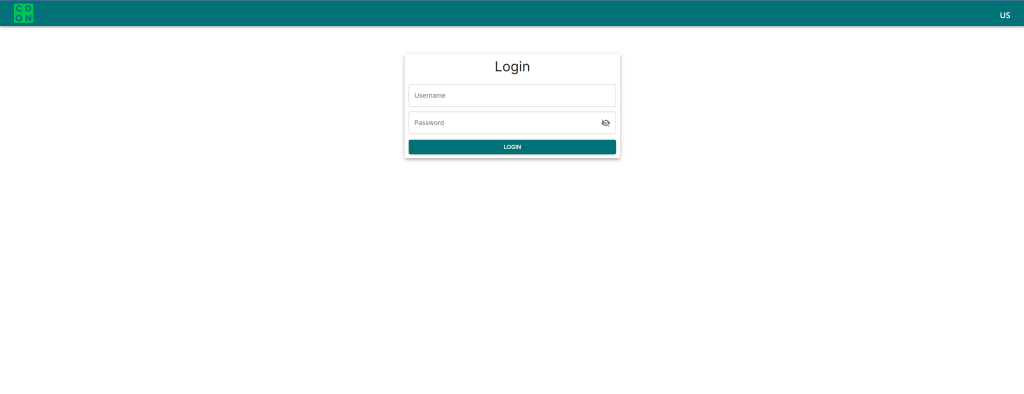
- Synchronising the catalogue with the Multi-Channel Integration Platform
To sell on your CDON account, you need to connect the Multi-Channel Integration Platform products catalogue with the marketplace.
Do this by completing the fields in the first step of the Multi-Channel Integration Platform. You will need to add an Alias for your CDON store, the Merchant ID and the token provided by the marketplace.

To get this information, you need to log into your seller portal and go to Profile > Credentials

Copy and paste the ID and the Token into the Multi-Channel Integration Platform
PUBLISHING THE CATALOGUE
At the synchronisation stage, in the Product selection tab in the Multi-Channel Integration Platform, select the categories that you want to publish. You can also select specific products or brands.
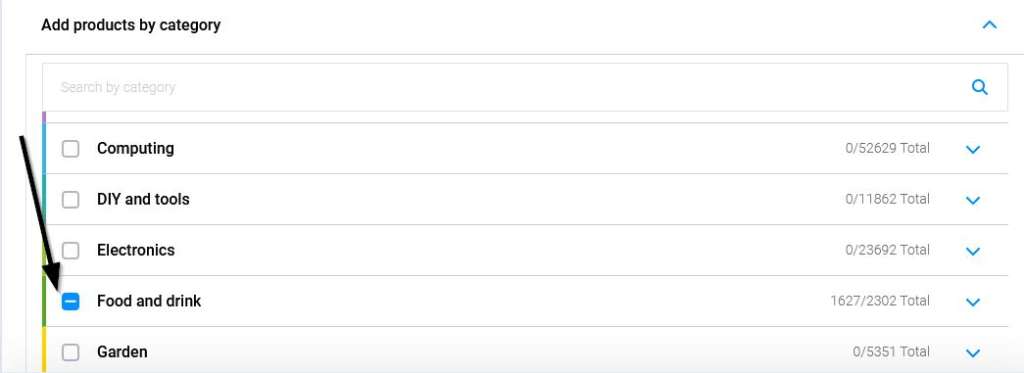
If you want to learn more about how to select categories, you can find further information in this link.
PRICING STRATEGY
Once you have selected the categories to publish, and after you have configured the shipping costs, it’s time to set the price margins.
All of the information you need for this can be found in the following article: How pricing rules work.
PUBLISHING THE PRODUCTS
Once you have defined all the previous stages, you can go on to the last step and click on Publish to publish the catalogue.
Once it has been published, wait for a few hours and then check that the products have been created on the CDON platform under Products

Now that you have published the products, you can start selling.
If you want to view the orders on the CDON platform, go to Orders

If you want to find out how to manage the orders from this Marketplace, make sure you read the following article: How to manage orders on the Multi-Channel Integration Platform.