
 Contact





The BigBuy Dropshipping Carriers application is essential to connect your store to the MultiChannel and automatically upload products.
It also includes an optional additional feature that allows automatic calculation of shipping rates in your store.
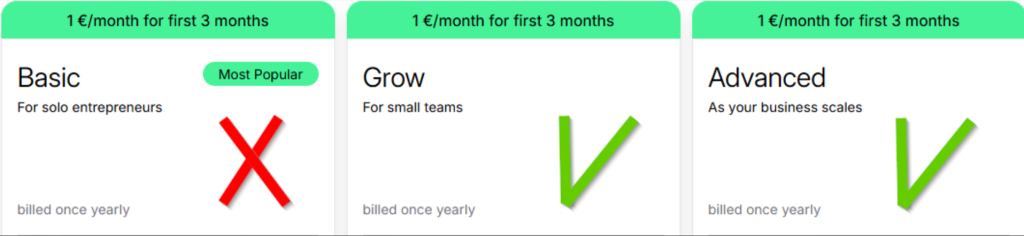
Only if you wish to activate the extra feature for automatic shipping rate calculation, you must have the Grow or Advanced Shopify plan, as the Basic plan does not include this optional feature.
Installation
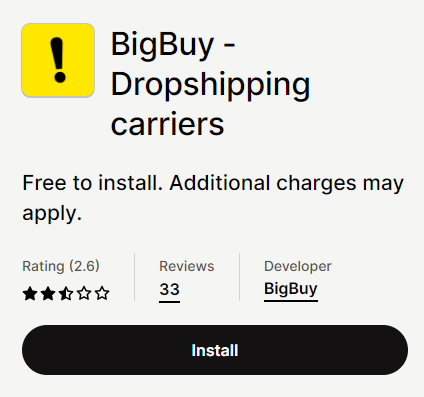
You can find the BigBuy – Dropshipping Carriers App here. To download it, click on Add app.
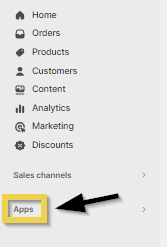
Once you have installed the app in your store, go to the Applications menu and open it from there.

Use without additional feature
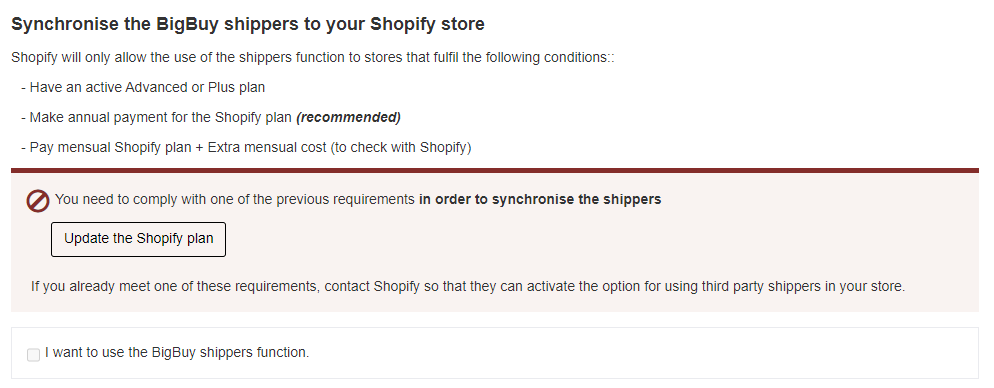
If the system displays a window like the one shown in the following image, simply close it to continue with the setup without activating the automatic shipping cost calculation feature.
You can now manage shipping settings directly in your Shopify panel by creating shipping templates. You can find more information in the following tutorial:
Additionally, you can activate Free Shipping directly from your MIP without using the advanced features of the app. You can find more information in this tutorial:
Use with additional feature
If you have a Shopify online store and wish to access the Carrier Service (to automatically synchronize shipping costs in Shopify), your store must meet at least one of the following points:
- Annual payment of the Shopify plan (recommended)
- Monthly payment of the Shopify plan + monthly cost to be consulted with Shopify
- The store has subscribed to the Advanced or Plus plan
- It is a development store
Even if the requirements are met, you may still need to request Shopify to activate the service if a message like the following appears when entering the application:

You can check within your own store whether the “third party carrier” shipping option is actually activated or not. You can do this via the Shopify back office from Settings in the Shipping and delivery section.

If it is not activated and you meet the requirements, you must contact Shopify and request that they enable this option in your online store, as indicated in their documentation.
When you install the BigBuy ‑ Dropshipping Carriers App for Shopify you will automatically have the shipping costs available for BigBuy products, without the need to configure any shipping costs in your store.
You will be able to create other carriers or include free shipping, if you wish, since it is fully compatible with the automatic carriers.
On the BigBuy App, you can configure the carriers you want by activating or deactivating them. The carriers you select will be synchronised automatically with your Shopify store.
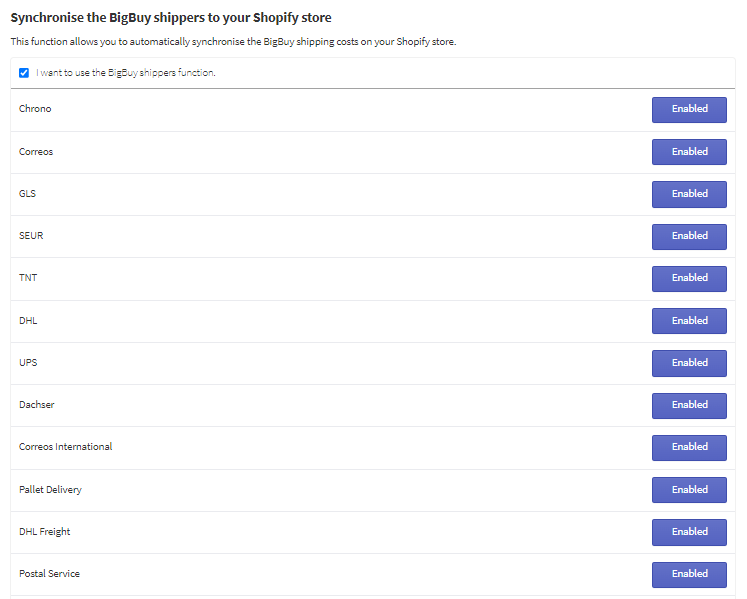
The carriers selected on the App will be displayed in your Shopify store as follows.
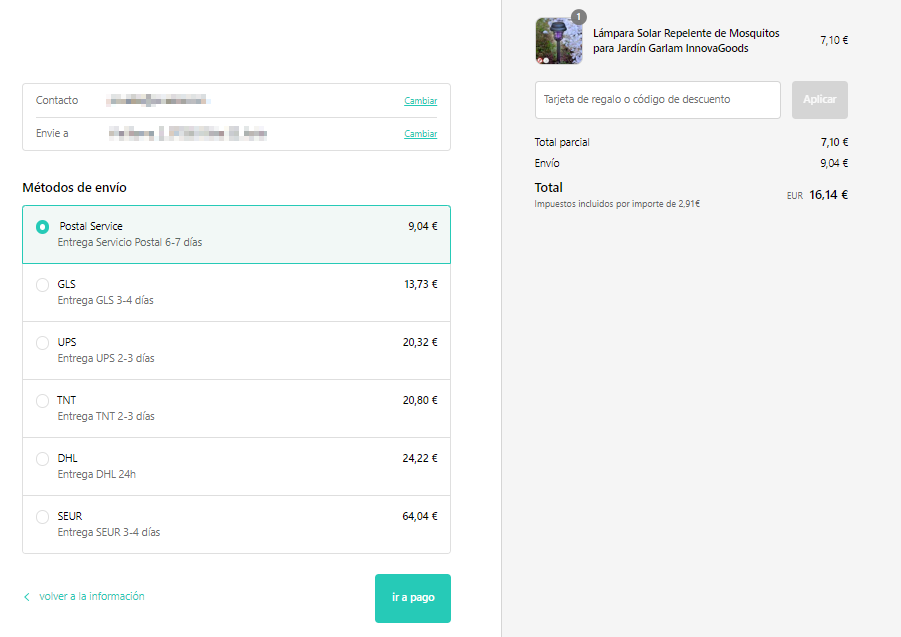
Your customer will be able to see all the shipping options available and will be able to choose from them. The carriers offered will be the same as on the BigBuy B2B store, as long as you have not deactivated any carrier.
If you need more information about how to synchronize your Shopify online store with the Multi-Channel Integration Platform, please click here.